@Nabii Leta huyo Scotsman tupige biz. Time’s a’ wastin’..
Karibuni Microsoft basics.
An easy way to test a man’s true character is to simply offer him something in exchange for trust.
Never fail me.
i5 is outdate… chukua xeon 5…same perfomance as i7
I’m not if this exploit exists anymore., so I’m iffy about uninstalling this very stable version.
Ask the experts @Buckets
These tech companies are mostly populated by Indians who generally start with Java as their first programming language. Java is a web language. For boyscouts.
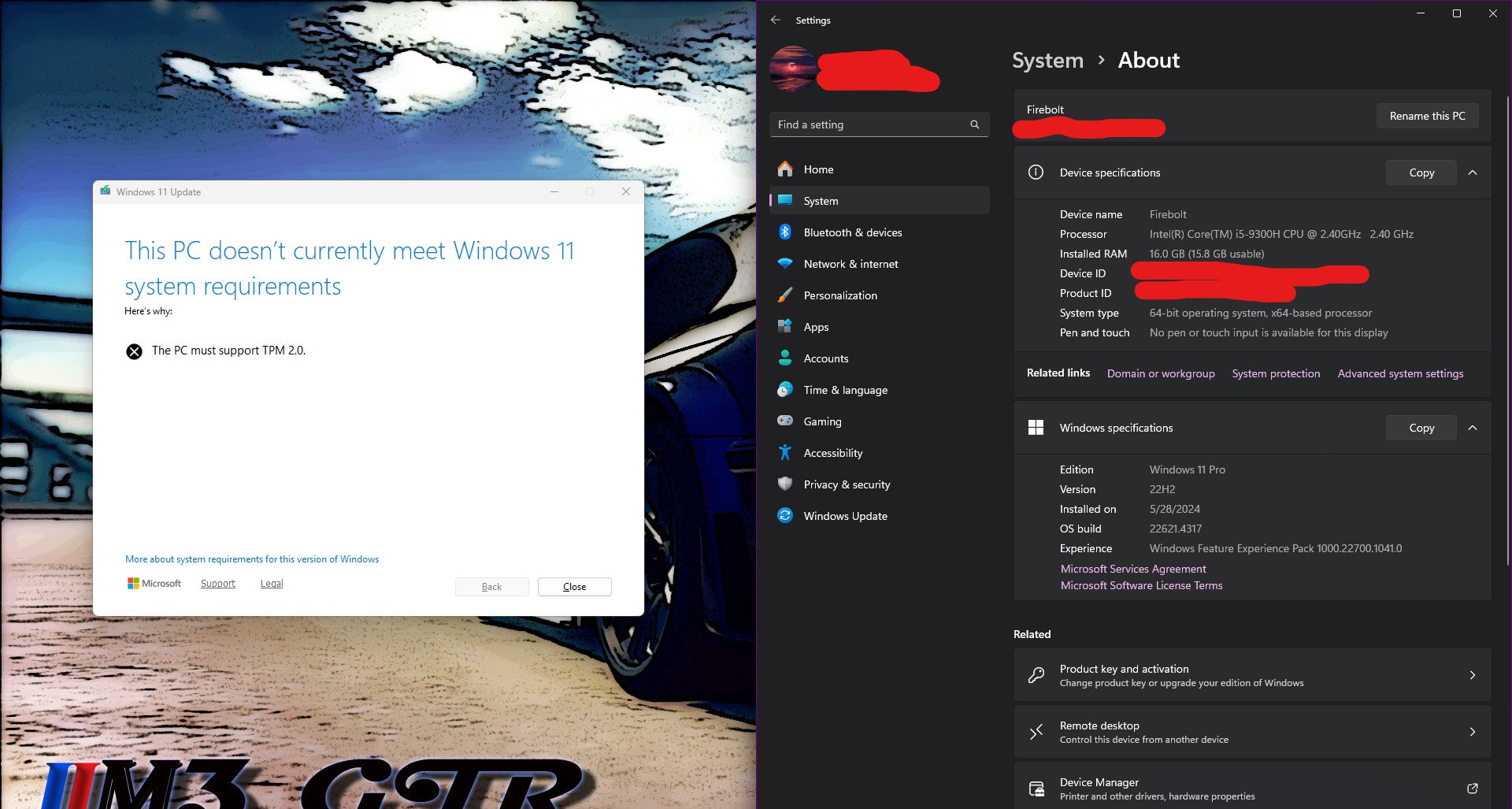
is that a 9th gen laptop that doesn’t have tpm2.0? I use an old 8th-gen i7 HP Envy laptop that automatically upgraded to Windows 11 when it was released… that’s weird.
1 Like
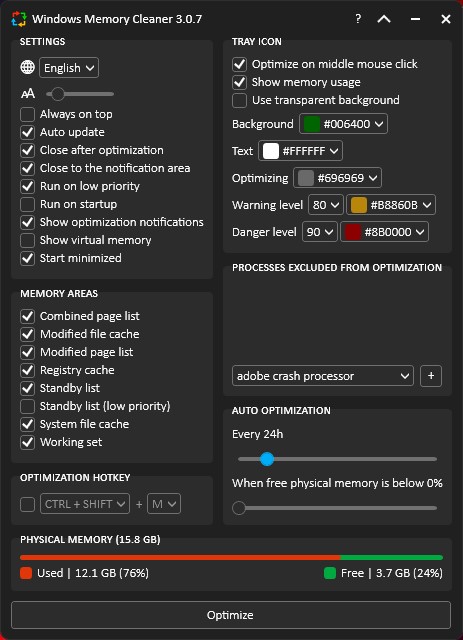
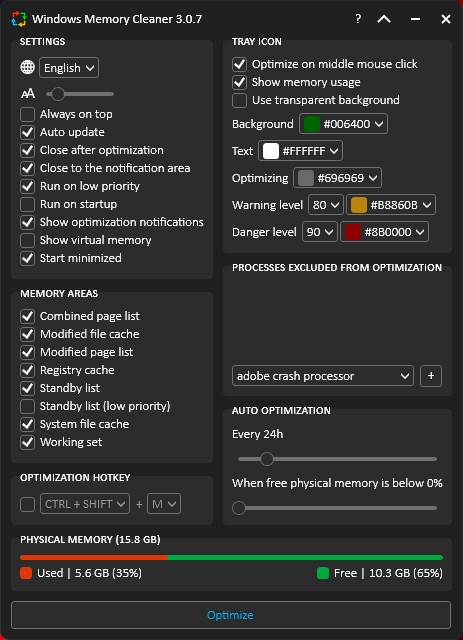
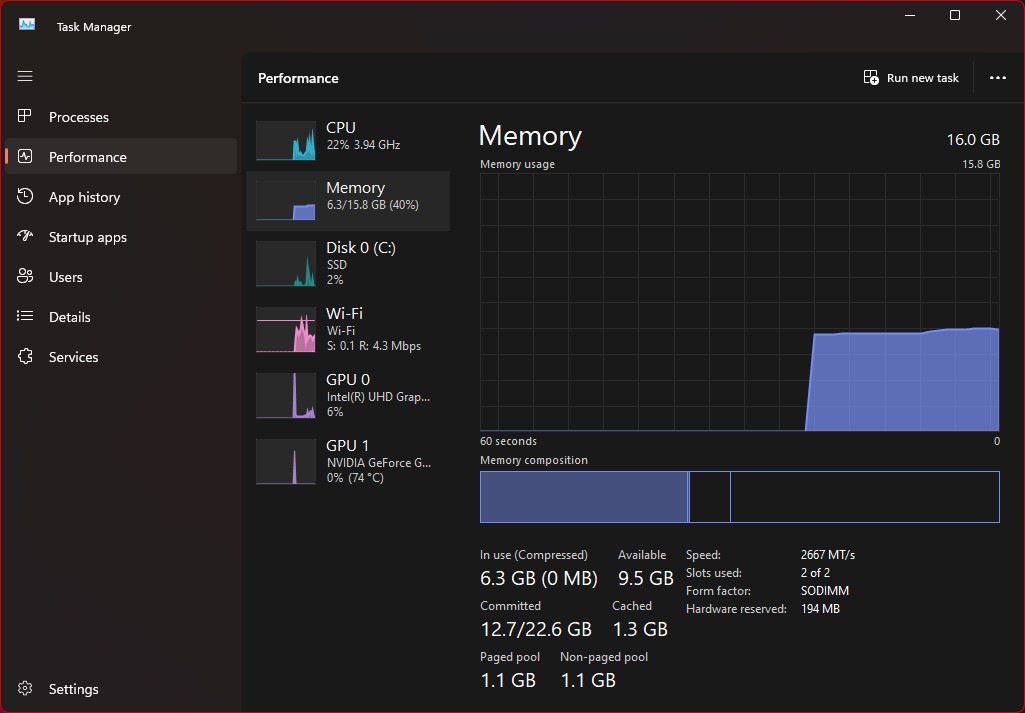
Also it’s funny how 16GB is becoming the bare minimum for multi-tasking. More and more I see my ram usage hitting 80%+.

Barely a few years ago 16GB was considered high-end
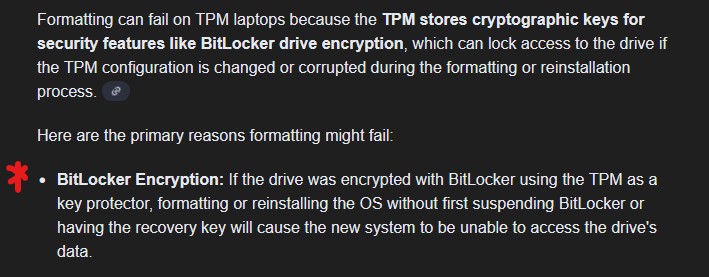
11th gen. The initial windows 11 copies and test builds could work without TPM 2.0, but this was deprecated at some point between 2024 and 2025. Someone tried formatting my laptop and for 6 long days, I assume they couldn’t find a solution. So they returned it.
That’s how I knew TPM works. Or maybe they’re just a good Christian man.
The processor is i5 9300h. That’s a 9th-gen processor… But still it must have tpm 2.0 since mine’s older and does.
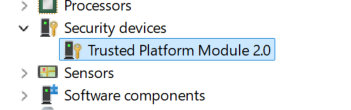
And what do you mean someone tried formatting for six days and returned it? Was it stolen or something?
1 Like
Also sidenote: If you want to install Windows 11 on old unsupported hardware just use Rufus. Rufus - Create bootable USB drives the easy way
I have installed Win11 on gen 3 and gen 5 laptops with no tpm modules
1 Like
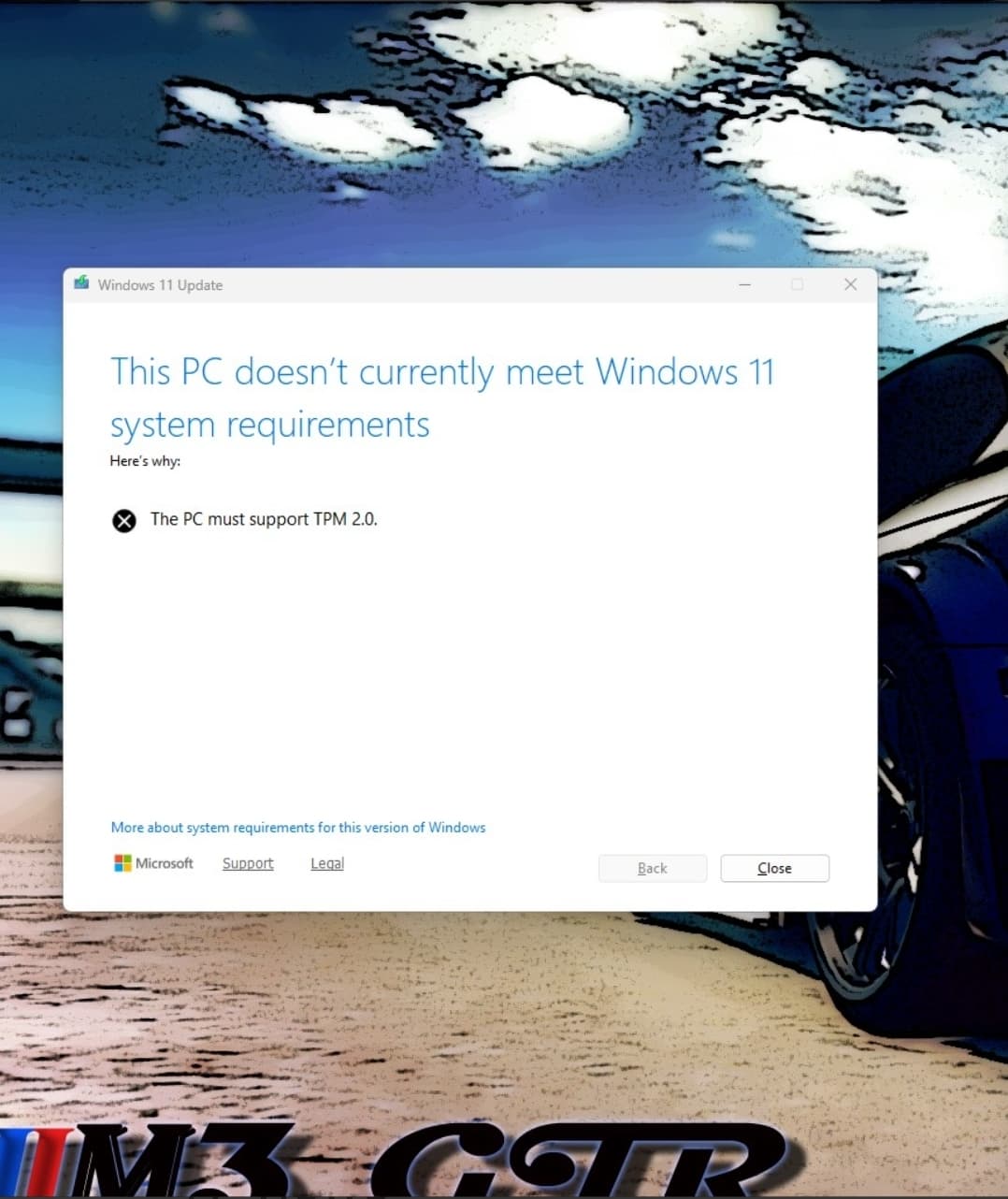
This is what I find surprising, since tpm 2.0 is more than 10 years old. The first time I saw tpm 2.0 on laptop spec sheet was around 2015-2016. For a intel 9th-gen laptop to not have it is very weird. Maybe it’s disabled in BIOS
1 Like