I have been beautifully streaming content (including premier league football in HD!) through the above on my laptop and connecting the same to my Telly through a HDMI cable. Is there a solution to “cut the cord” and stream what is on my laptop to the telly without the cable? I have read about Chromecast and Roku streaming players etc., are these the only solution, how do they work and will these use my internet bandwidth to stream from my computer to the TV or will they eliminate the need for the laptop? Any pointers?
Cutting the cord means not to pay for cable tv and not computer connection to telly in this context. You need an android tv dongle to work with kodi.I don’t know about chrome cast since am researching on the best Android dongle.
Ofcourse chinku android chromecast replicas
I’ve heard people talking about mirror casting their android phone to tv via WiFi, I don’t know if the same can apply to laptop
yes it does
I wanted to put up a post on TVMC
What is TVMC? Please educate us
Saidia tafasali with step by step. Asanta sana
It’s a simplified Kodi build. With this one all you do is install and click a few times and you watch all the good add ons without setting them up yourself
Check if your comp has Intel WiDi, then pair it with your tv.
http://www.intel.com/content/www/us/en/architecture-and-technology/intel-wireless-display.html
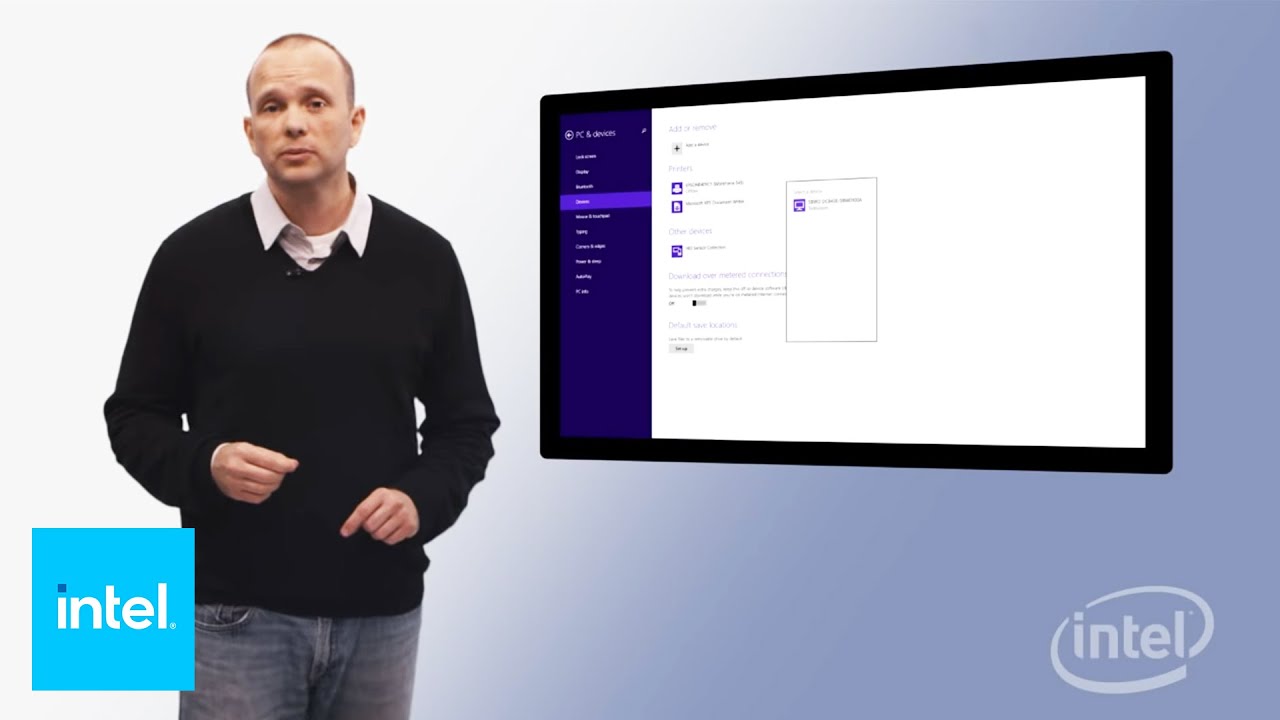
@Jazzman could you please put up a post on TVMC?? I learnt about it from here:
http://nairobiwire.com/2015/09/comprehensive-guide-to-a-cheaper-dstv-alternative-with-football.html
I will later, lazma niweke screenshots na siko karibu na laptop sai. I came across it while looking for Kodi add ons.
I bought a chinku one inajiita EZcast. It had its software that i installed on my pc, then it was easy to mirror to the TV. That simple
and while you are at it, mtu nguyaz, please educate me on how to install Phoenix tv and the others on KODI that you mentioned in your thread jana. I have been searching for them na sizioni. Thnks
- How do I watch CNN?
- Which channel provides EPL
- Any good adons
Any add-on that has got Sky sports/BT sport/Bein sports is a good add-on. Personally, SportsDevil works pefect!! SD quality but with good picture (perfect for my Zuku 1MB)
[ul]
[li]Open Kodi[/li][li]Select SYSTEM > File Manager[/li][/ul]
https://googledrive.com/host/0B-9ewpmLdTHqTlNoM2kzbEhzRnM
[ul]
[li]Select Add Source[/li][/ul]
https://googledrive.com/host/0B-9ewpmLdTHqRzVqQTBsTzNuUzg
[ul]
[li]Select None[/li][/ul]
https://googledrive.com/host/0B-9ewpmLdTHqb2dvM2JteGlMZUU
[ul]
[li]Type the following exactly http://fusion.tvaddons.ag and select Done[/li][/ul]
https://googledrive.com/host/0B-9ewpmLdTHqd3p1ZmhPWVgtYk0
[ul]
[li]Highlight the box underneath Enter a name for this media Source & type fusion[/li][/ul]
https://googledrive.com/host/0B-9ewpmLdTHqcUllV25EZVU1ZVU
[ul]
[li]Select OK[/li][/ul]
https://googledrive.com/host/0B-9ewpmLdTHqcjdmcWFpWEx1R1E
[ul]
[li]Go back to your Home Screen[/li][li]Select SYSTEM[/li][/ul]
https://googledrive.com/host/0B-9ewpmLdTHqemItY3Y0aFhuSkU
[ul]
[li]Select Add-Ons[/li][/ul]
https://googledrive.com/host/0B-9ewpmLdTHqT1hJQmFzbWswWDg
[ul]
[li]Select Install from zip file[/li][/ul]
https://googledrive.com/host/0B-9ewpmLdTHqellONGJWQV9vUVE
[ul]
[li]Select fusion[/li][/ul]
https://googledrive.com/host/0B-9ewpmLdTHqaDl1SVVRMzRqM1k
[ul]
[li]Select xbmc-repos[/li][/ul]
https://googledrive.com/host/0B-9ewpmLdTHqUXVRYjMzYWk0VVE
[ul]
[li]Select english[/li][/ul]
https://googledrive.com/host/0B-9ewpmLdTHqaFB3NloteXlYN0k
[ul]
[li]Select repository.xbmchub-x.x.x.zip[/li][/ul]
https://googledrive.com/host/0B-9ewpmLdTHqRnc5d2FFZEVBMU0
[ul]
[li]Wait for Add-on enabled notification[/li][/ul]
https://googledrive.com/host/0B-9ewpmLdTHqNjFJTUZxZ2o1MEk
[ul]
[li]Select Get Add-Ons or Install from repositoryon Isengard[/li][/ul]
https://googledrive.com/host/0B-9ewpmLdTHqSXJtZGdWc1lNSk0
[ul]
[li]Select TVADDONS.ag Addon Repository[/li][/ul]
https://googledrive.com/host/0B-9ewpmLdTHqTFpySExCN2pTMjQ
[ul]
[li]Select Video Add-Ons[/li][/ul]
https://googledrive.com/host/0B-9ewpmLdTHqYjM3b1pmTmxCc0U
[ul]
[li]Select Phoenix[/li][/ul]
https://googledrive.com/host/0B-9ewpmLdTHqMndwbnVSUnQwQmM
[ul]
[li]Select Install[/li][/ul]
https://googledrive.com/host/0B-9ewpmLdTHqd3U3QWpoSXk3elE
[ul]
[li]Wait for Add-on enabled notification[/li][/ul]
https://googledrive.com/host/0B-9ewpmLdTHqRDRkQldXb08zLUU
Phoenix is now installed and ready to use. As usual the add-on can be accessed via VIDEOS > Add-Ons > Phoenix
Better still, install superepo add on and never hustle looking for add ons again
[ul]
[li]Open Kodi[/li][li]Select SYSTEM > File Manager[/li][/ul]
https://googledrive.com/host/0B-9ewpmLdTHqVmRNbXpOc0ZMM0E
[ul]
[li]Select Add Source[/li][/ul]
https://googledrive.com/host/0B-9ewpmLdTHqUk9paGdEaHVzT2M
[ul]
[li]Select None[/li][/ul]
https://googledrive.com/host/0B-9ewpmLdTHqRjNzdkxwWGltTlU
[ul]
[li]Type the following EXACTLY http://srp.nu and select Done[/li][/ul]
https://googledrive.com/host/0B-9ewpmLdTHqc3JsaGtCQXpxYm8
[ul]
[li]Highlight the box underneath Enter a name for this media Source & type SuperRepo[/li][/ul]
https://googledrive.com/host/0B-9ewpmLdTHqZThMbklveFpYRzQ
[ul]
[li]Select OK[/li][/ul]
https://googledrive.com/host/0B-9ewpmLdTHqQzRtejJRVl9Mc1k
The SuperRepo is now on your Kodi device. To access the wide range of repos and add-ons that are available through this just do the following.
[ul]
[li]Go back to your Home Screen[/li][li]Select SYSTEM[/li][/ul]
https://googledrive.com/host/0B-9ewpmLdTHqM21hQTJOTEg2Mms
[ul]
[li]Select Add-Ons[/li][/ul]
https://googledrive.com/host/0B-9ewpmLdTHqRWVWNHdKYjdqbjg
[ul]
[li]Select Install from zip file[/li][/ul]
https://googledrive.com/host/0B-9ewpmLdTHqdjNva1B2dUhyT1E
[ul]
[li]Select SuperRepo[/li][/ul]
https://googledrive.com/host/0B-9ewpmLdTHqazBtQUx5bzh0bWc
[ul]
[li]In this section you choose the directory that is suitable for your device. For most this will be Helix, but check to make sure.[/li][/ul]
https://googledrive.com/host/0B-9ewpmLdTHqM3dBM1pUNllfQXM
You can now browse to see which add-ons/repos you wish to install
Lengthy process mpaka mtu azoee.
I have already isntalled Phoenix, I used the search function to get CNN. Pap CNN ndio hio inastream kwa laptop yangu. I opened CNN through mobdro on my android phone and put them side by side and guess what, the Kodi CNN is minutes ahead of the mobdro CNN.